How-to articles
Step-by-step guides, with screenshots, for fixing everyday photo, PDF and QR code hassles.
 Twinkle Twinkle Little Star Letter Notes: Easy Piano Melody (C Major)Twinkle, Twinkle in letter notes, with easy finger tips.
 Ode to Joy Letter Notes: Easy Piano & Recorder Melody (C Major)Ode to Joy in letter notes, with five-finger tips.
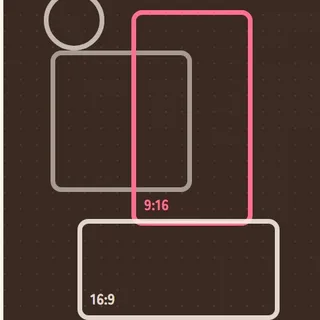 LINE Rich Menu Image Size: 2500 × 1686, and How to Keep It Under 1MBRich menu sizes, and how to fit a photo under 1MB.
 How to Split a PDF on Your Phone (Extract Pages, Free, No Upload)Extract pages or split a PDF into parts using only your phone.
 How to Turn Photos into a PDF on Your Phone (Free, No Upload)Turn document photos into one A4 or Letter PDF on your phone.
 How to Put a QR Code on a Christmas Card (Photos & Video)Share photos and video from a holiday card with a QR code.
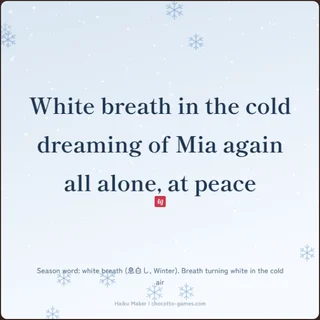 Winter Haiku: Japanese Season Words (Kigo) and How to Write OneWinter season words and a simple 5-step way to write a haiku.
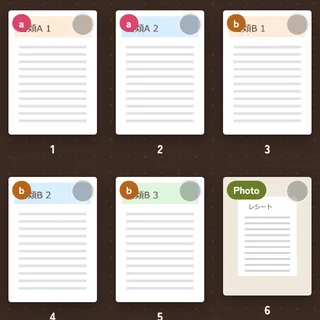 How to Merge PDFs on Your Phone (Free, No Upload, iPhone & Android)Combine PDFs and photos into one PDF using only your phone.
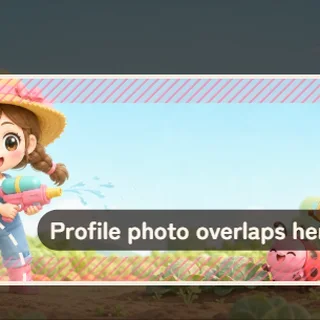 X Header Size 2026: 1500 × 500, and How to Keep It From Getting CroppedHeader 1500 × 500, and how to avoid cropping and overlap.
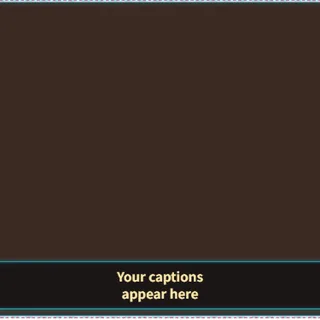 How to Make a Free Stream Overlay for OBS (Templates, Themes, No Design Skills)Pick a template and theme, then drop the overlay into OBS.
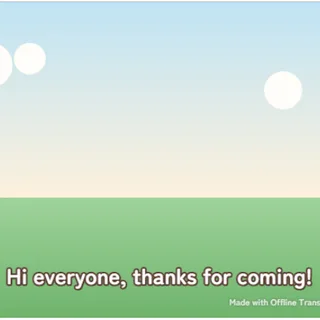 How to Add Live Captions to OBS (Free, Private, Real-Time)Turn your mic into live captions and show them in OBS.
These guides show how to fix small everyday hassles with the free tools on Chocotto Games. Every article uses real screenshots taken while running the tool, and walks you through each step.
Useful when you want to
- Find the right image size for a social media post, without it getting cropped
- Put a QR code that never expires on a flyer or business card
- Add live captions to a stream, or make your own streaming screen
How we write them
We check every size and setting against the service's official documentation and our own tests before publishing. When a service changes, we update the article and note the date. If you spot a mistake, please let us know through the contact form.