Social media articles
Guides for social media, video and streaming: the right image sizes for Instagram, X, TikTok and YouTube, header images that don't hide faces or text, and how to add captions or a custom layout to your stream, all explained with real screenshots.
To resize images, try the Social Image Resizer; for stream captions and layouts, use the Offline Transcriber. Both work without sign-up and never upload your photos or audio.
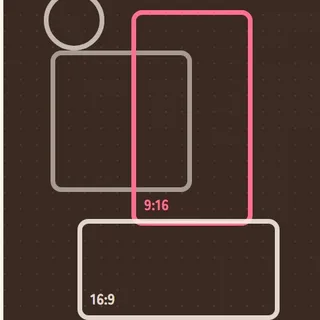 LINE Rich Menu Image Size: 2500 × 1686, and How to Keep It Under 1MBRich menu sizes, and how to fit a photo under 1MB.
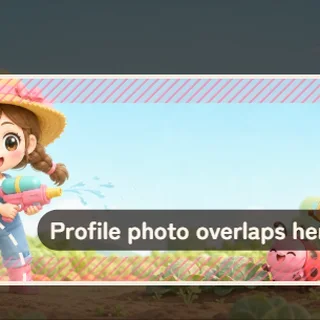 X Header Size 2026: 1500 × 500, and How to Keep It From Getting CroppedHeader 1500 × 500, and how to avoid cropping and overlap.
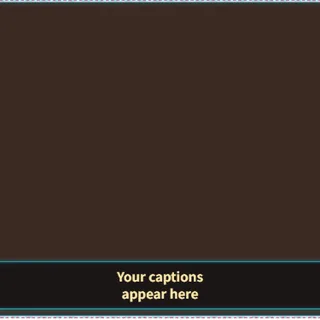 How to Make a Free Stream Overlay for OBS (Templates, Themes, No Design Skills)Pick a template and theme, then drop the overlay into OBS.
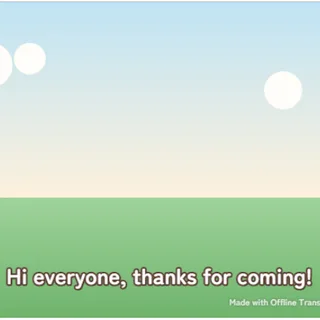 How to Add Live Captions to OBS (Free, Private, Real-Time)Turn your mic into live captions and show them in OBS.