Handy tools
Small, free-to-use tools that work right in your phone or computer browser. No sign-up needed.
-
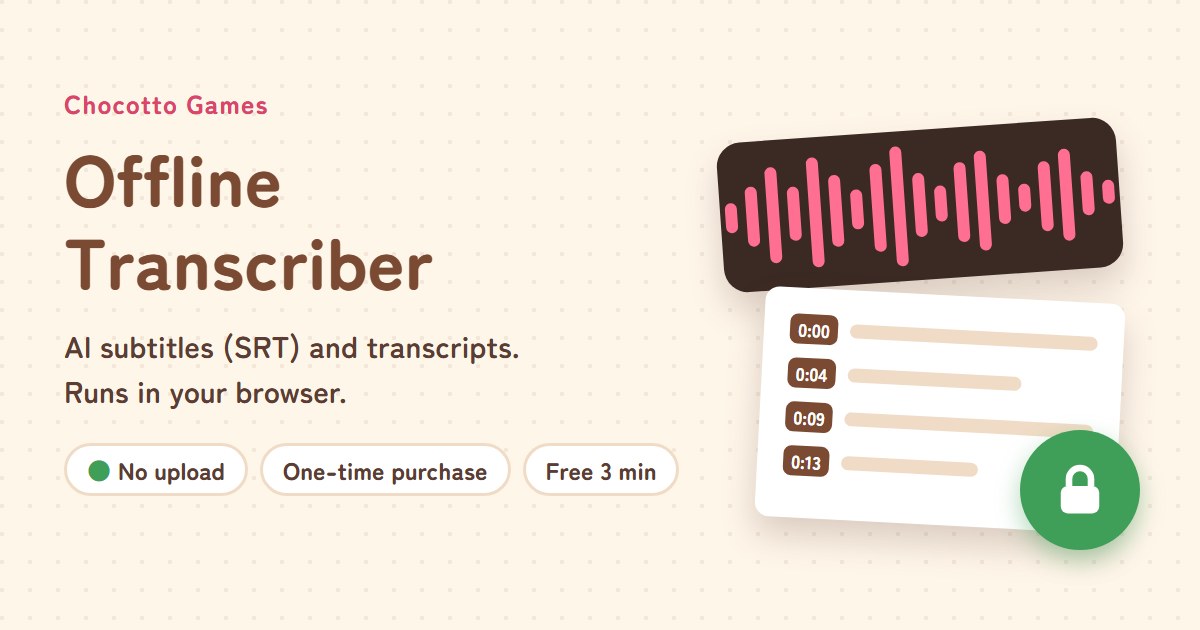
Offline Transcriber
Make subtitles (SRT) and transcripts with AI that runs in your browser. Your audio is never uploaded. Free up to 3 minutes; a one-time purchase unlocks long files and styled subtitles.
Open -
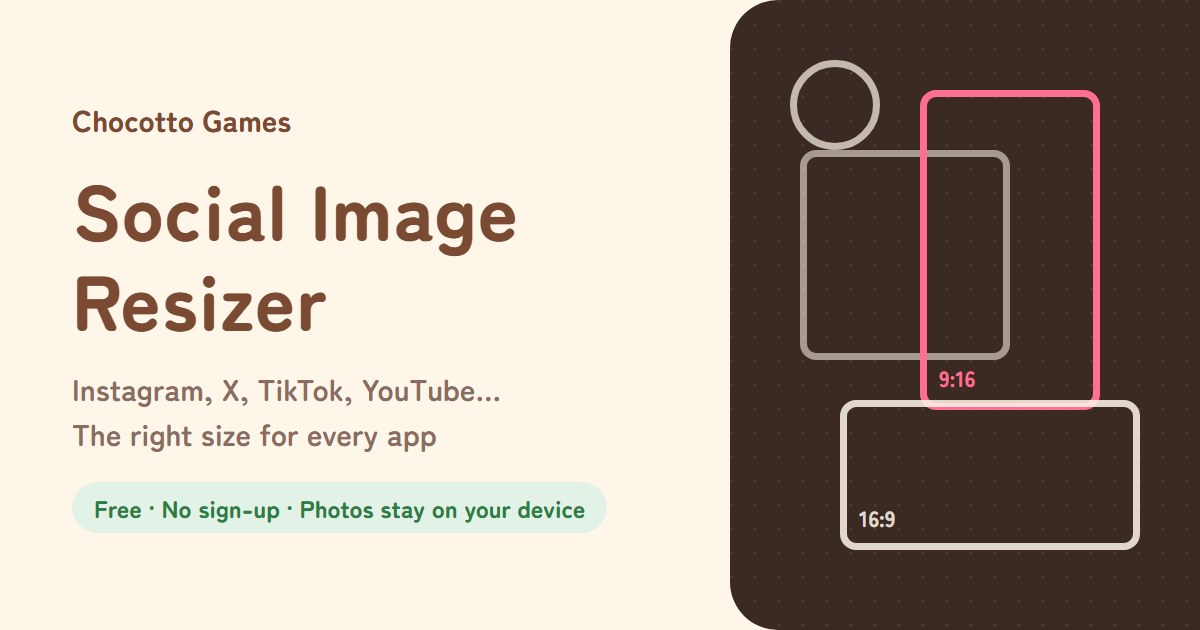
Social Image Resizer
Resize photos for Instagram, X, TikTok, YouTube and more. See where buttons cover your image, then save every size at once.
Open -
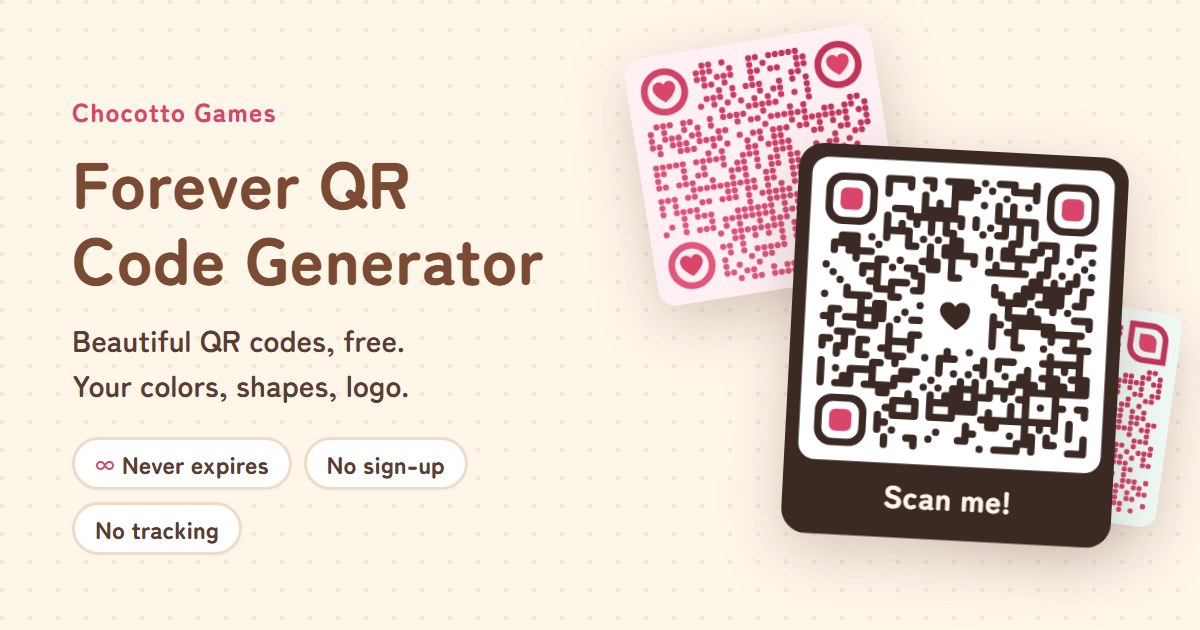
Forever QR Code Generator
Make beautiful QR codes that never expire. No sign-up, no tracking. URL, Wi-Fi and contact codes with your own colors, shapes, logo and frame, plus an automatic scan check.
Open -

Haiku Maker
Type your name or a favorite word and get a 5-7-5 haiku with a real Japanese season word. Save it as a beautiful card and share it on X. Makes Japanese haiku too.
Open -
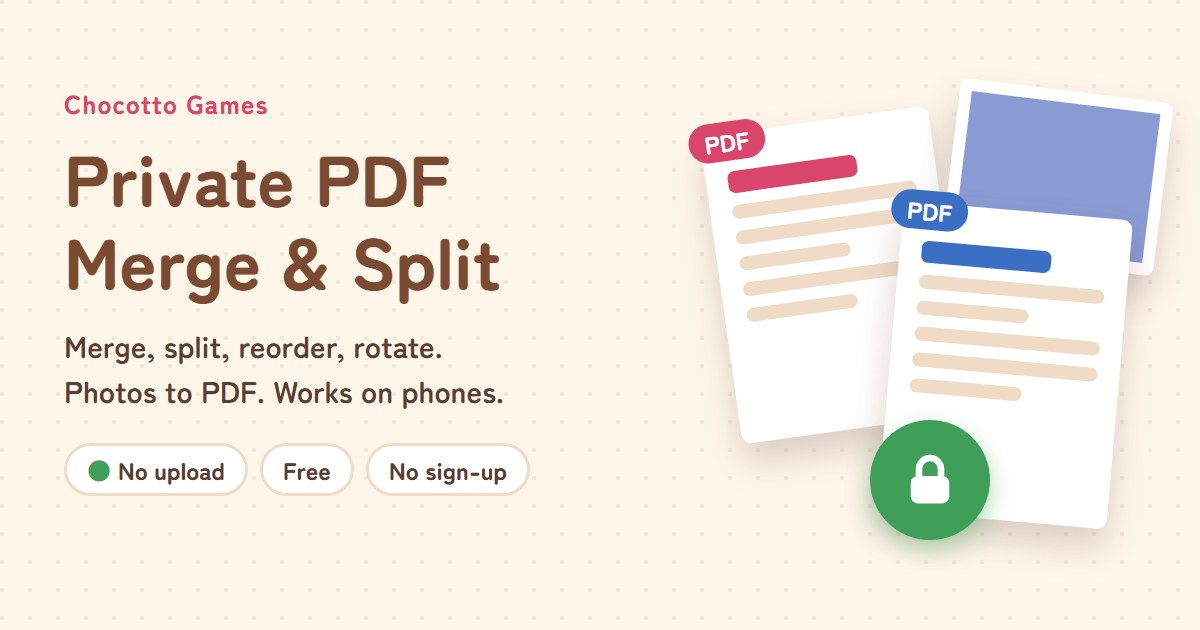
Private PDF Merge & Split
Merge, split, reorder, rotate and delete PDF pages on one screen. Turn phone photos into an A4 or Letter PDF. Files never leave your device.
Open
Every tool is
- Free to use, with no sign-up: just open the page. Some tools also have a paid version for longer files.
- Private: your photos and data stay on your device and are never uploaded.
- In English and Japanese.
Pick a tool by what you need
| When you want to… | Use |
|---|---|
| Turn a meeting recording into minutes, or add captions to a video | Offline Transcriber |
| Post a photo to Instagram or X without it getting cropped or shrunk | Social Image Resizer |
| Put a QR code that never expires on a flyer or business card | Forever QR Code Generator |
| Merge or split PDFs, or turn phone photos into a PDF | Private PDF Merge & Split |
| Send a fun greeting card with a haiku made from someone's name | Haiku Maker |
Why "never uploaded"?
Many online tools send your photos or documents to their servers before processing them. But family photos, work documents and meeting recordings often contain things you would rather keep to yourself. Our tools do all the work inside the browser on your own phone or computer, so once the page has loaded, your files are never sent to a server.
You can check this yourself: open a tool, then turn off your internet connection. It keeps working. Each tool's page explains in more detail how to verify it.
How we build them
We care about solving small, everyday hassles in as few steps as possible. We keep the number of buttons low and keep revising each screen so that first-time users can get things done without reading instructions. If something is confusing or you would like a feature, let us know through the contact form. We improve the tools little by little based on what we hear.
Looking for games? Head to the home page. Step-by-step guides are in How-to articles.