Home / Tools / Offline Transcriber / For creators
For creators
Keep viewers watching, even with the sound off.
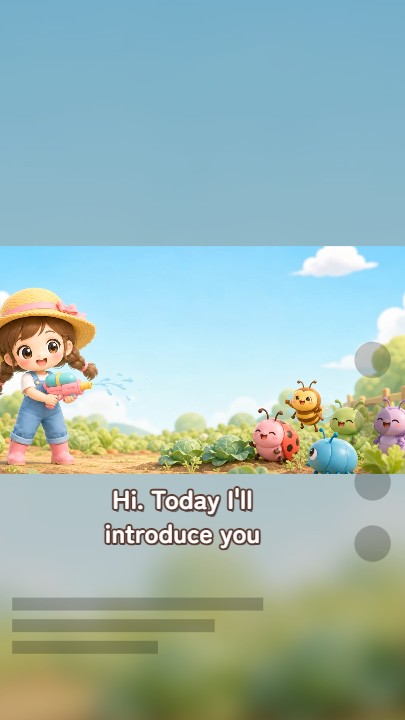
Turn what you say into easy-to-read subtitles, and burn them into vertical or square videos. Your unreleased footage is never uploaded anywhere.
- Nothing uploadedTranscription runs on your computer, unreleased videos included
- Vertical, square, EnglishFor shorts and for fans abroad
- $39 one-timeCreator plan. No subscription

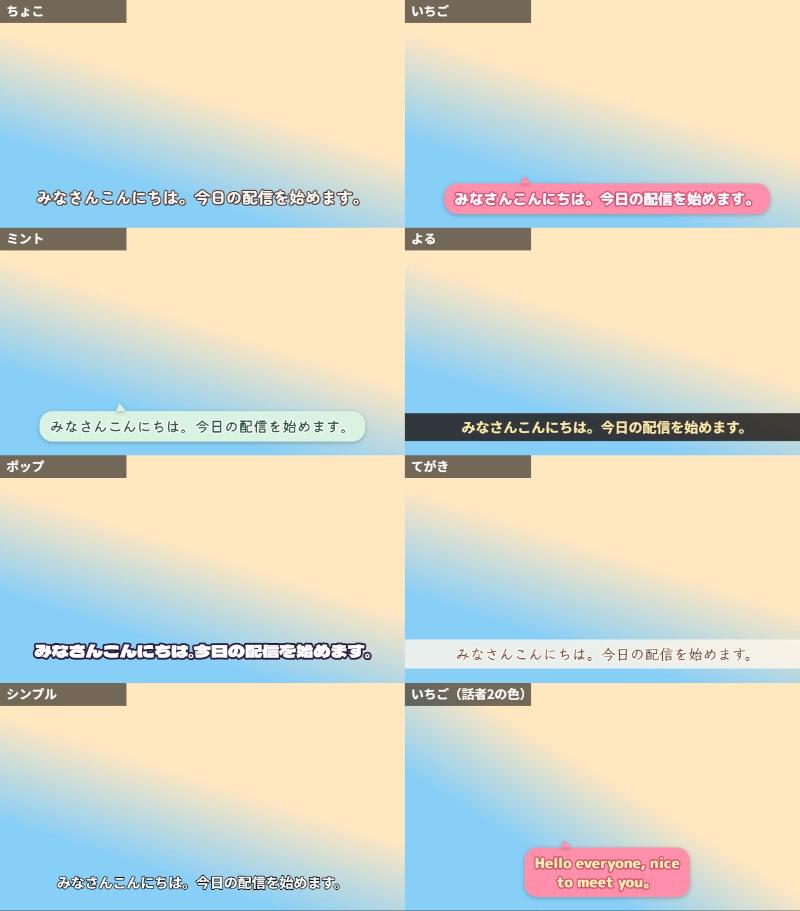
01Subtitles that look like you
Pick a look that fits your video in a few clicks.
- Start from a template, then fine-tune font, color, outline, shadow, band or speech bubble
- Give each speaker their own color
02Split on the words
Fewer subtitles that drift from the speech or break mid-word.
- Switch subtitles on word timings (works on edited videos too)
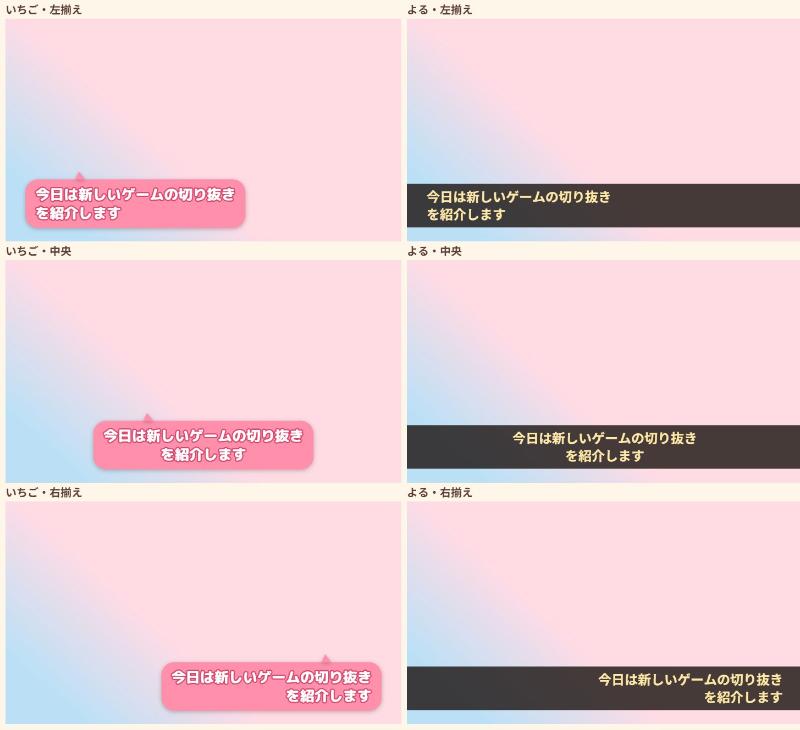
- Fit lines to your line length and count without breaking words
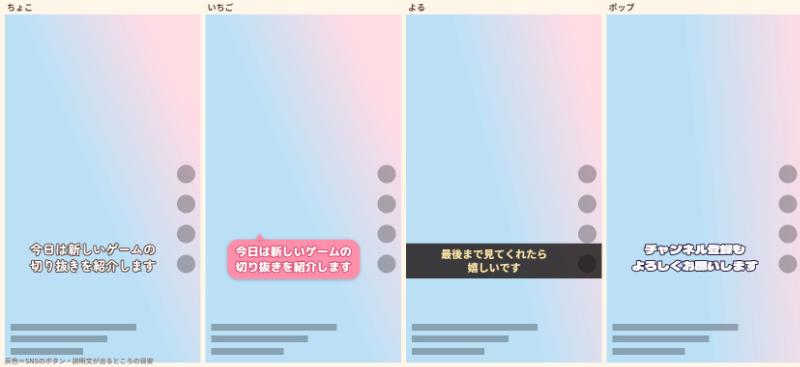
03Stay clear of buttons and faces
Place subtitles by dragging them where you see them.
- Move subtitles in the preview by dragging, sliders or arrow keys
- In vertical videos, overlay where TikTok, YouTube Shorts or Instagram Reels put their buttons and captions (preview only)
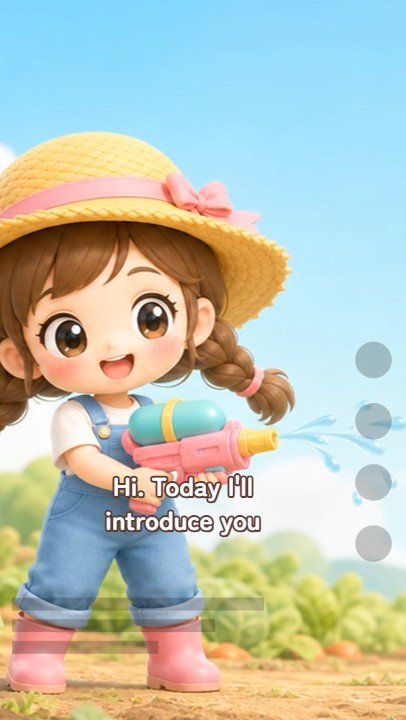
04Export vertical and square
Make shorts from your landscape videos.
- Crop: drag to choose what to keep
- Keep it all: fill the empty space with a blur or a color
- Subtitles are placed for the shape automatically (just below the picture when keeping it all)

05English subtitles for fans abroad
Add English subtitles to videos where you speak Japanese.
- Japanese speech is transcribed, then translated by a dedicated translation AI (on your computer)
- Subtitle timings come straight from the Japanese
06Works with your editor
Finish in the editing software you already use.
- Export SRT, VTT or ASS (with styling)
- Or burn subtitles into the video and post it as-is
07Your footage stays with you
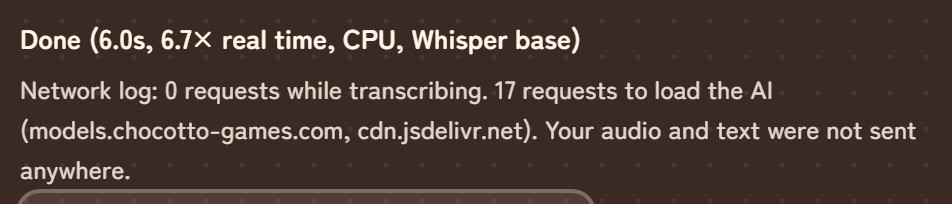
Zero outside requests while transcribing. After the AI is downloaded, it even works offline. Details: How “no upload” works.
08Pricing
Pay once and keep using it. No subscription.
Creator
Live captions (no time limit, no logo, most-accurate AI), the overlay maker (no watermark), subtitle designs, word-timed splitting, VTT/ASS, burn-in, English subtitles, vertical and square exports
No length limit, high-accuracy AI, word list, speaker separation, highlighted low-confidence lines. Register up to 3 devices, one active at a time. Founder price for the first 50 buyers: $29. Fine for monetized streams and videos. Bug fixes and small improvements are always free.
09Requirements
| Recommended | Chrome or Edge on a Windows or Mac computer (with WebGPU) |
|---|---|
| Burn-in | On a computer; takes about as long as the video |
| First download | About 600 MB for the high-accuracy AI (once) |
| Phones | Short clips only |